Enterprise Printing
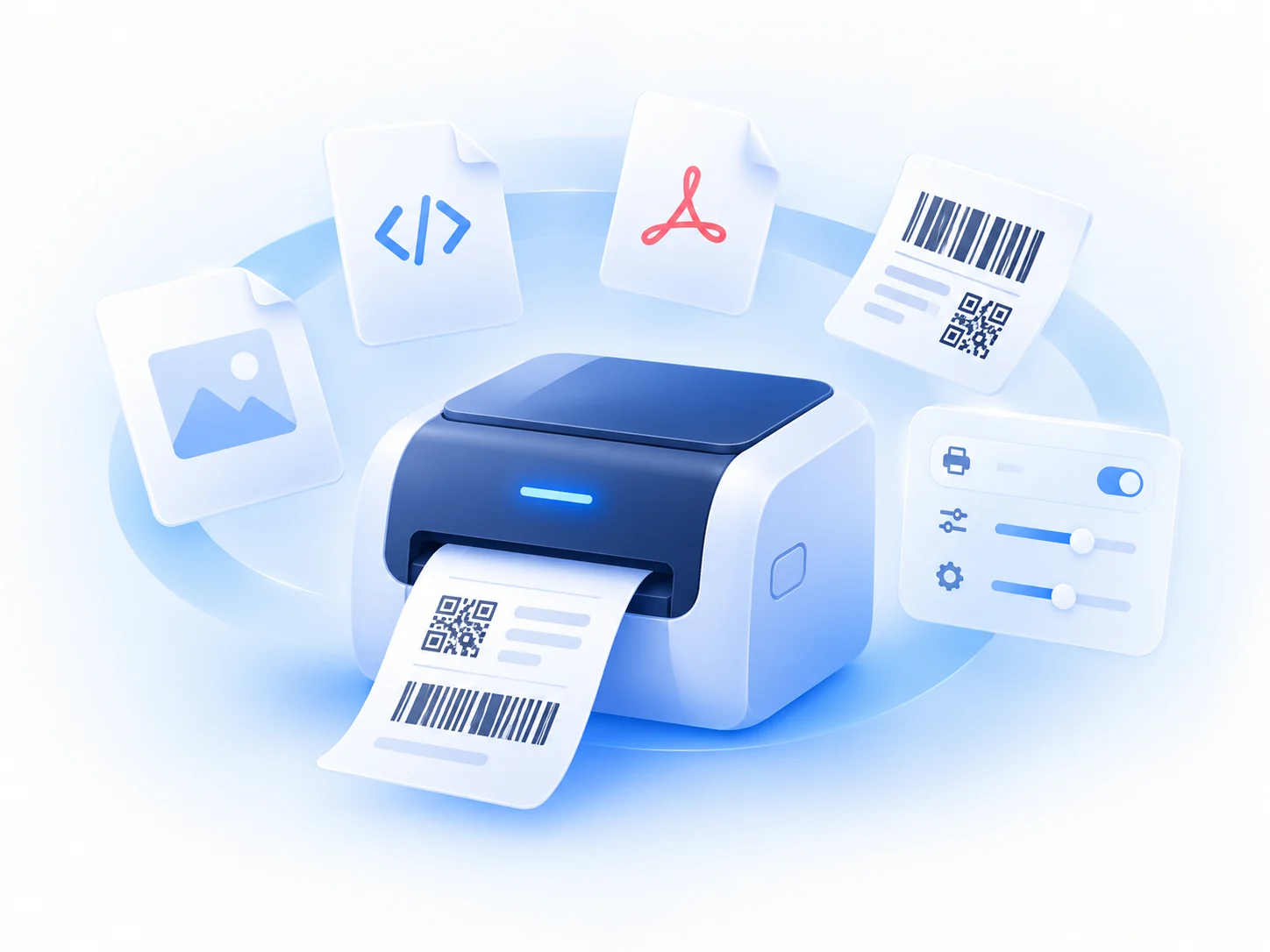
RAW data, labels, PDFs and controlled print settings.
 NATIVE TOOLKIT
Native Toolkit gives enterprise web applications running in managed Chrome controlled access to native endpoint capabilities such as enterprise printing and session management.

The native capability gap
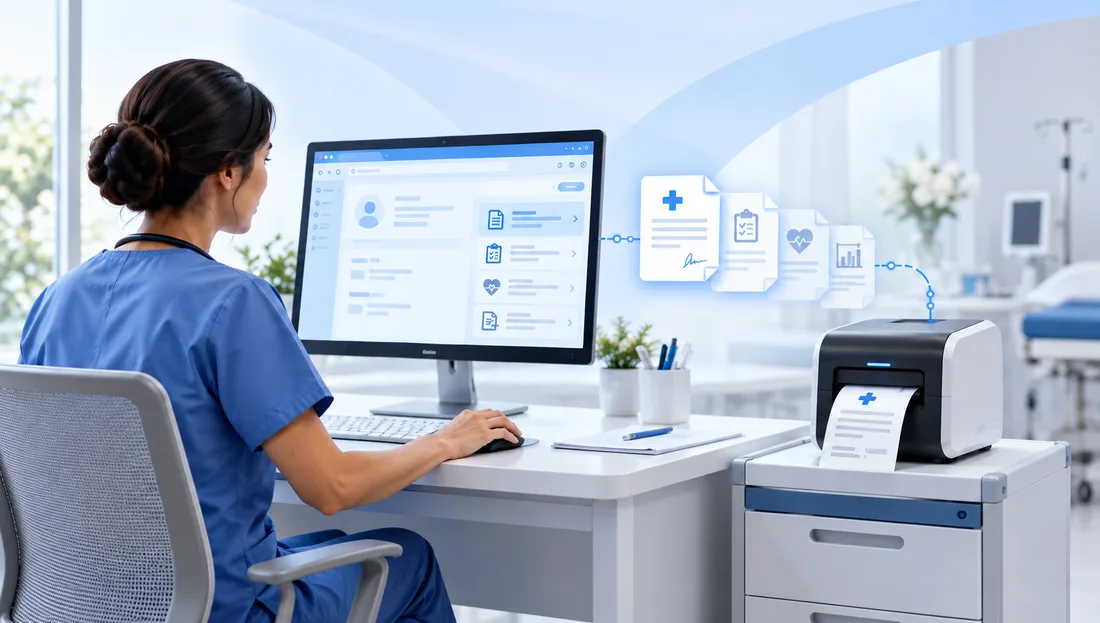
Modern enterprise applications are moving to Chrome, but important workflows still depend on local device capabilities.
RAW data, labels, PDFs and controlled print settings.
Logout coordination, browser cleanup and shared workstation handoffs.
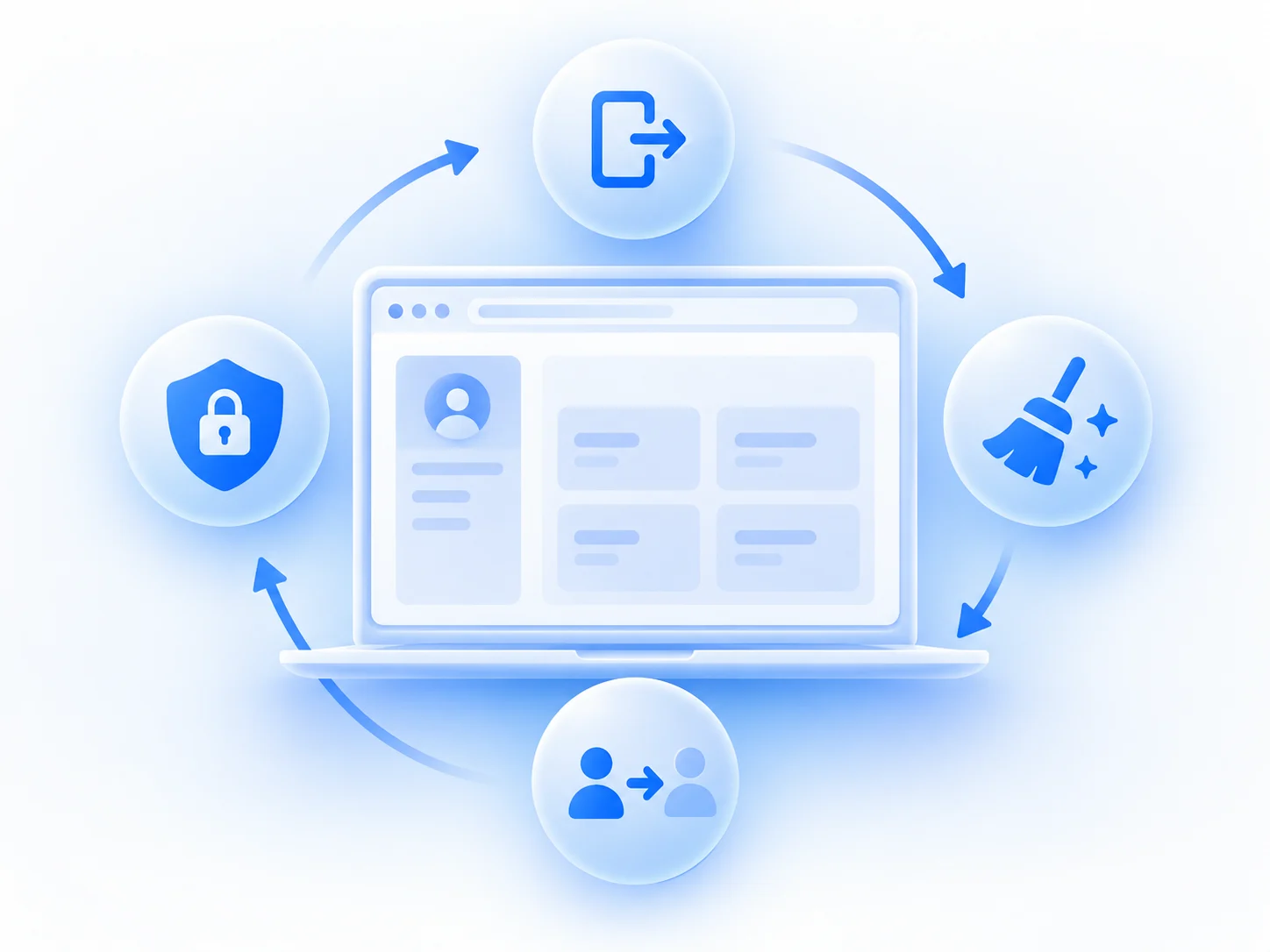
Approved local actions that standard web pages cannot perform directly.

A governed bridge between trusted enterprise web applications and approved native capabilities on managed endpoints.
Without Native Toolkit
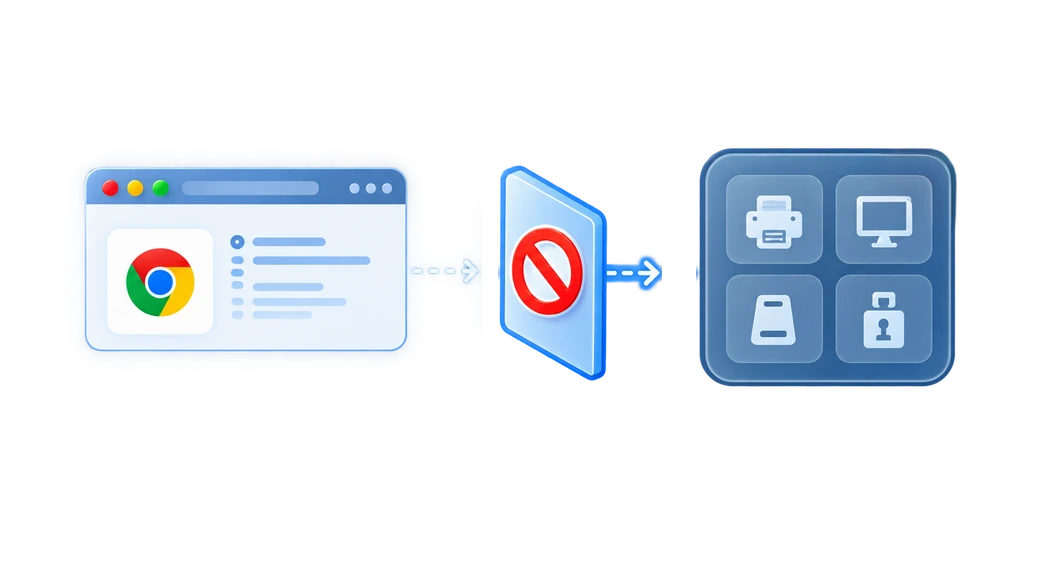
Enterprise Web Application in Managed Chrome
Browser Security Boundary
Direct Native
Access Restricted
With Native Toolkit

Enterprise Web Application in Managed Chrome
Native Toolkit
Approved Native
Capabilities
One platform. Multiple enterprise workflows.
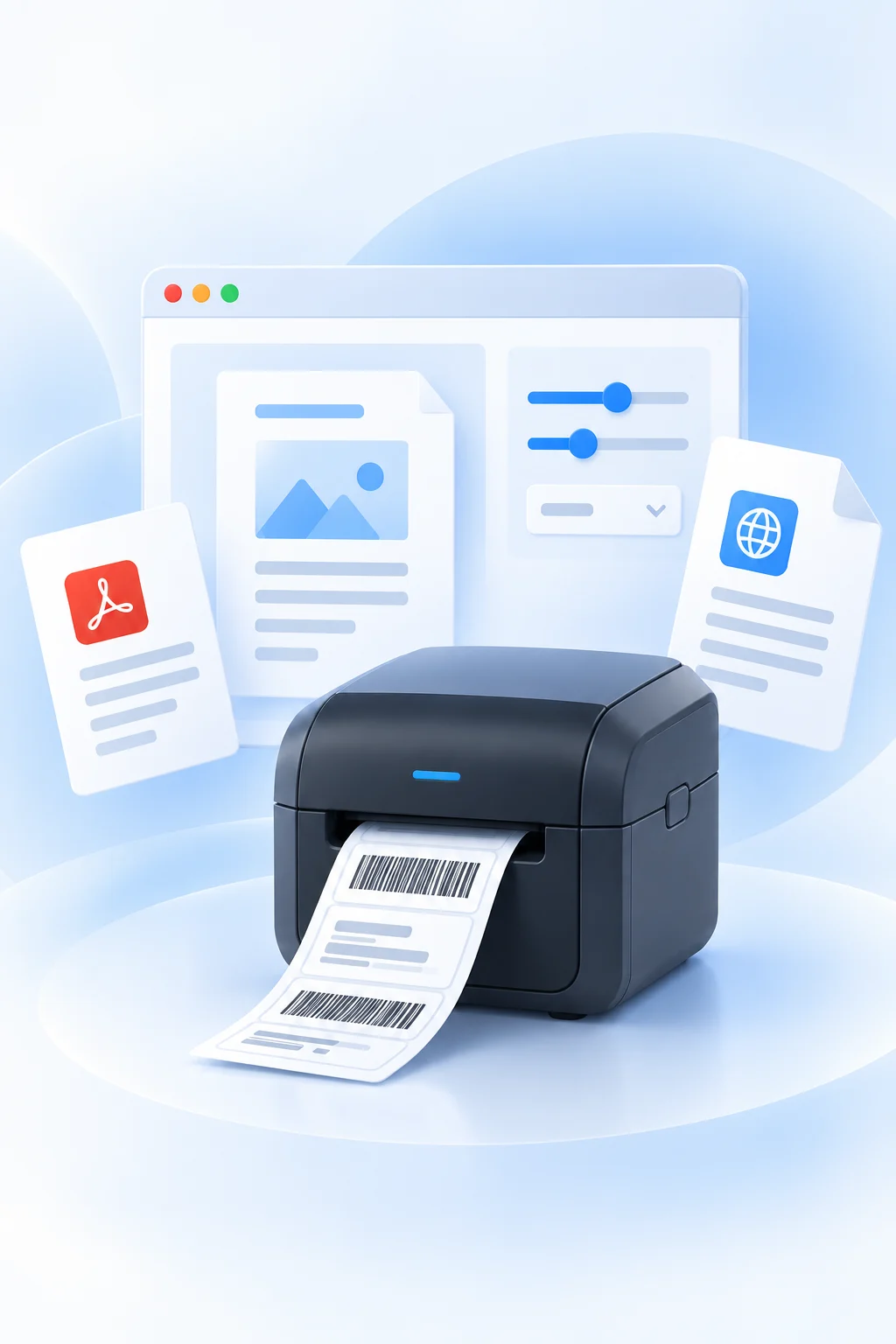
Bring advanced printing directly into browser workflows.
Silent Printing
Submit supported print jobs without displaying the standard browser print dialog.
RAW Printing
Send printer-native commands such as ZPL, EPL and IPL to compatible specialized printers.
PDF & Browser Printing
Print documents and browser-rendered content from enterprise workflows.
Printer Intelligence
Discover available printers and supported printer capabilities.
Per-Job Control
Apply supported settings such as tray, copies, duplex, color, and DPI.
Support safer browser-context transitions in shared enterprise environments.
Native Toolkit allows approved web applications to request policy-controlled browser actions when a user logs out or an application session expires.
Native Toolkit can support policy-driven actions such as:
Application-triggered logout
Active / idle evaluation where applicable
Policy-controlled tab cleanup
Policy-controlled cookie cleanup
Policy-controlled protected-domain handling
Browser-context cleanup for shared workstation transitions
Execution status returned to the application

One platform. Multiple enterprise workflows.
Build on Chrome Enterprise with the native capabilities your workflows still need.
See how Native Toolkit enhances Chrome Enterprise and compares across leading enterprise browsers.
| Category | Capability |
 Chrome + Native Toolkit |
Chrome Enterprise Without Native Toolkit |

|
OtherChromium-Based Browsers |
|---|---|---|---|---|---|
 Closing Current Gaps |
Hyperspace Local Printing | Enabled | Gap | Available | Gap |
| Report Viewer Client Printing | Enabled | Limited | Available | Gap | |
 Existing / Outside NTK
Scope |
Workstation ID (LWS) | Available | Available | Available | Available |
| Browser Allowlist | Available+ NTK Controls | Available | Available | Available | |
| OIDC Authentication | Available | Available | Available | Available | |
| Badge-Tap Authentication | Handled byExternal Solution | Partial | Partial | Gap | |
 Future Potential |
Scan Acquisition | Available | Gap | Gap | Gap |
| Native Third-Party App Integration | Available | Gap | Gap | Gap |
Built around real clinical workflows




Integrated with Native Toolkit APIs
Browser-facing capability & policy layer
Controlled native execution layer
The requested capability is executed through the supported operating-system or device functionality.
Built for managed Chrome environments
Native Toolkit is designed for organizations running managed Chrome browser environments and combines browser policy controls with a controlled local Host.
Administrators determine which enterprise application domains can access Native Toolkit capabilities.
Managed policies can govern application access, printer access and session-management behavior.
Native Toolkit Host releases use platform-specific package signing and verification controls.
Deploy the Extension through Google Admin Console and the Host through your existing MDM or endpoint management tools.
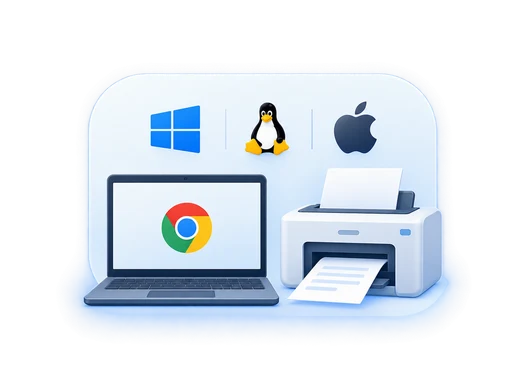
Cross-platform by design
Native Toolkit provides enterprise applications with a consistent capability layer while managing the operating-system-specific implementation underneath.
 Chrome Enterprise
Designed for managed Windows endpoint deployment.
Supports managed Linux environments based on Ubuntu and Debian.
Managed macOS deployment using the platform’s standard enterprise packaging model.
Why Native Toolkit
Modernize More Workflows
Move enterprise applications toward browser delivery without losing the local capabilities the workflow still depends on.
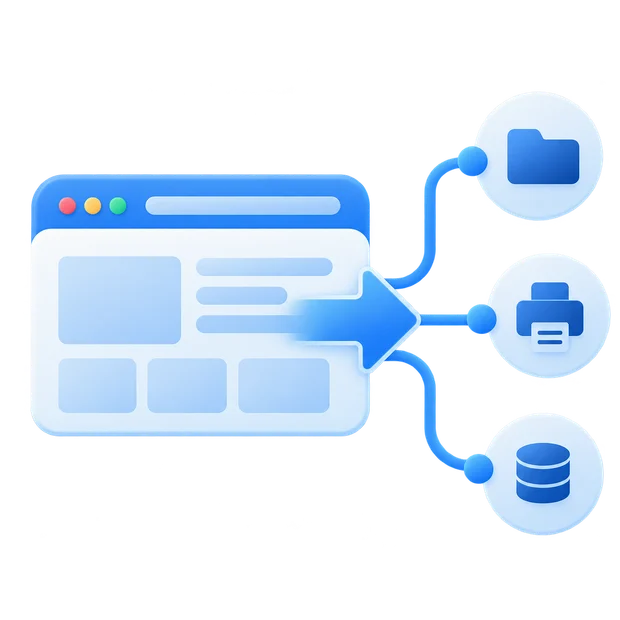
Keep Workflows Connected
Reduce the need for downloads, disconnected helper applications, generic browser print dialogs, and separate local processes.

Create One Governed Integration Layer
Provide enterprise applications with a reusable browser-to-endpoint architecture rather than creating a separate native workaround for each capability.

Reduce Platform-Specific Application Logic
Give the web application a consistent capability model while Native Toolkit handles the native implementation required by the endpoint platform.
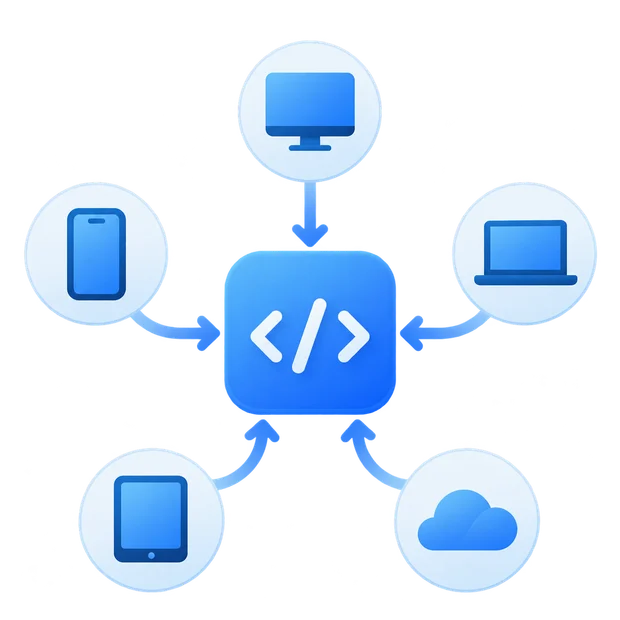
Build on a Shared Foundation
Printing and Session Management establish a common Native Toolkit foundation that can support additional governed native capabilities over time.

Native Toolkit is a governed native capability layer that connects approved enterprise web applications running in managed Chrome with supported capabilities on managed endpoints. Its current capability areas include enterprise printing and session management.
Yes. Native Toolkit is designed for managed Chrome browser environments and can operate within organizations using Chrome Enterprise Core or Chrome Enterprise Premium. Enterprise policies are used to govern application access and supported Native Toolkit behavior.
Native Toolkit is designed for Windows, macOS and Linux endpoint environments.
Linux deployment supports Ubuntu and Debian environments.
Supported capabilities may vary by operating system and Native Toolkit release.
Native Toolkit uses platform-specific packaging:
This allows the Native Toolkit Host to fit into standard enterprise software deployment processes.
Yes. Native Toolkit enables approved web applications to support browser printing and silent printing workflows, including RAW, PDF, and browser-rendered output, without relying only on the standard Chrome print experience.
Yes. Native Toolkit supports RAW printing from web applications, including printer commands such as ZPL, EPL, and IPL for compatible specialized and thermal printers.
Native Toolkit can coordinate logout, session timeout, tab cleanup, cookie cleanup, and protected domains based on configured enterprise policies. This is useful for shared workstations and multi-user environments.
Native Toolkit can support workflows such as enterprise browser printing, label and wristband printing, clinical document printing, shared workstation logout, and browser-session cleanup. Its architecture can also provide a foundation for additional approved native capabilities.
Bring the native workflow into the browser
From specialized printing and session management to browser cleanup and controlled endpoint actions, Native Toolkit provides a governed way to connect browser-based applications with managed endpoints.
Let’s discuss your workflow and show you how Native Toolkit can fit into your environment.
See how Native Toolkit can support your enterprise browser workflows.